Free · offline · open source
Studio-grade vectorizing. Free, offline and open.
Drop in a raster illustration, get back a clean SVG with real gradients and crisp ink lines — measured against the original, made on your own computer.


Why people pick it
Studio quality
Linear and radial gradients instead of posterized bands, a separate crisp layer for ink lines, sub-pixel accurate curves — and a similarity score for every result.
Offline and private
Everything runs on your computer. No upload, no account, no telemetry. The only network requests are the ones you ask for.
Free and open
Open source under the AGPL-3.0, built in public, with every feature included: palettes, PDF/EPS/DXF, center lines, batch automation, optional AI clean-up.
Four steps
- 1
Add
Drop pictures anywhere in the window, choose them, or paste with Ctrl+V.
- 2
Choose
Pick a style — cartoon, flat, logo or poster — and tick the photos to convert.
- 3
Process
A queue that keeps your computer usable; optional AI enhancement for small or blurry pictures.
- 4
Save
Compare side by side or with a slider, edit shapes, then save SVG, PDF, EPS, DXF or PNG.
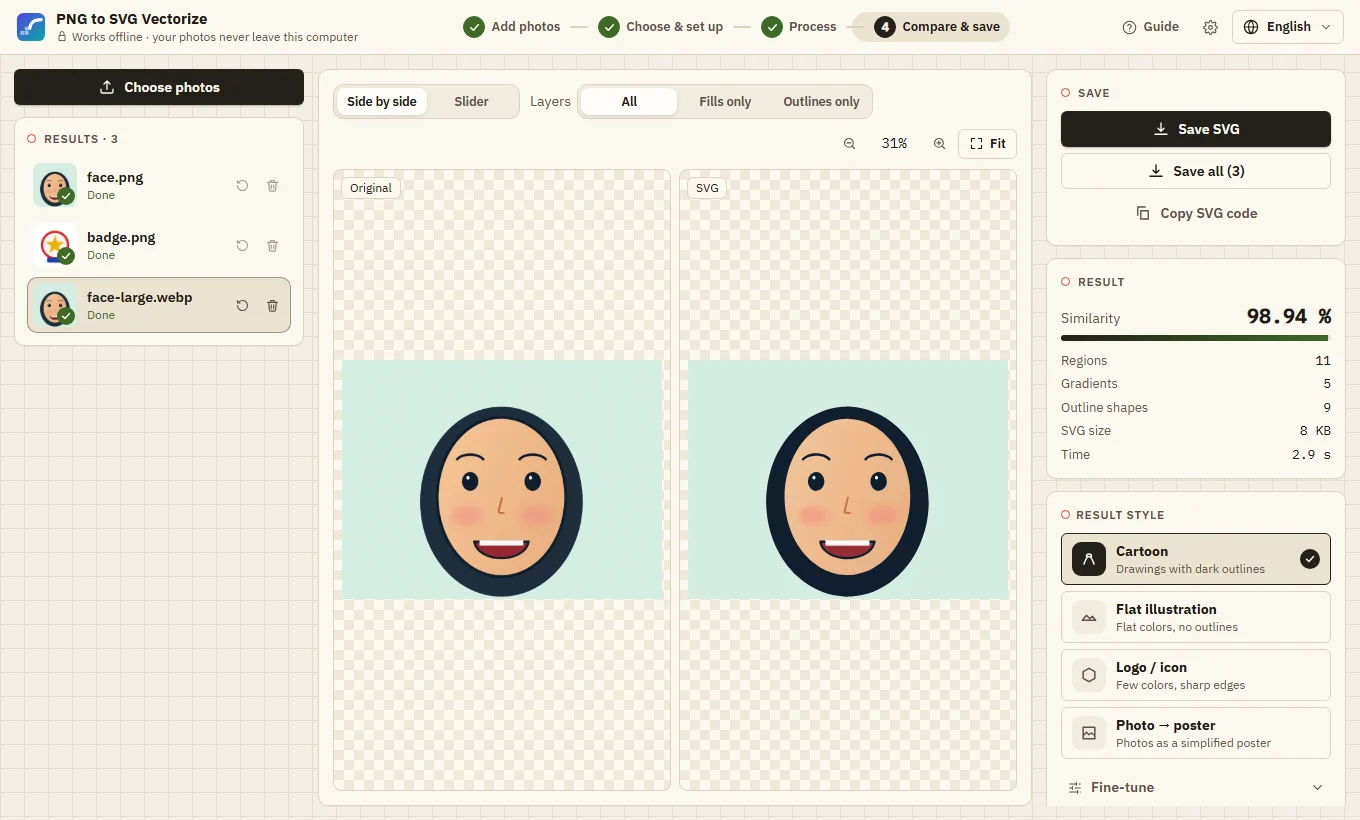
Real results, real numbers
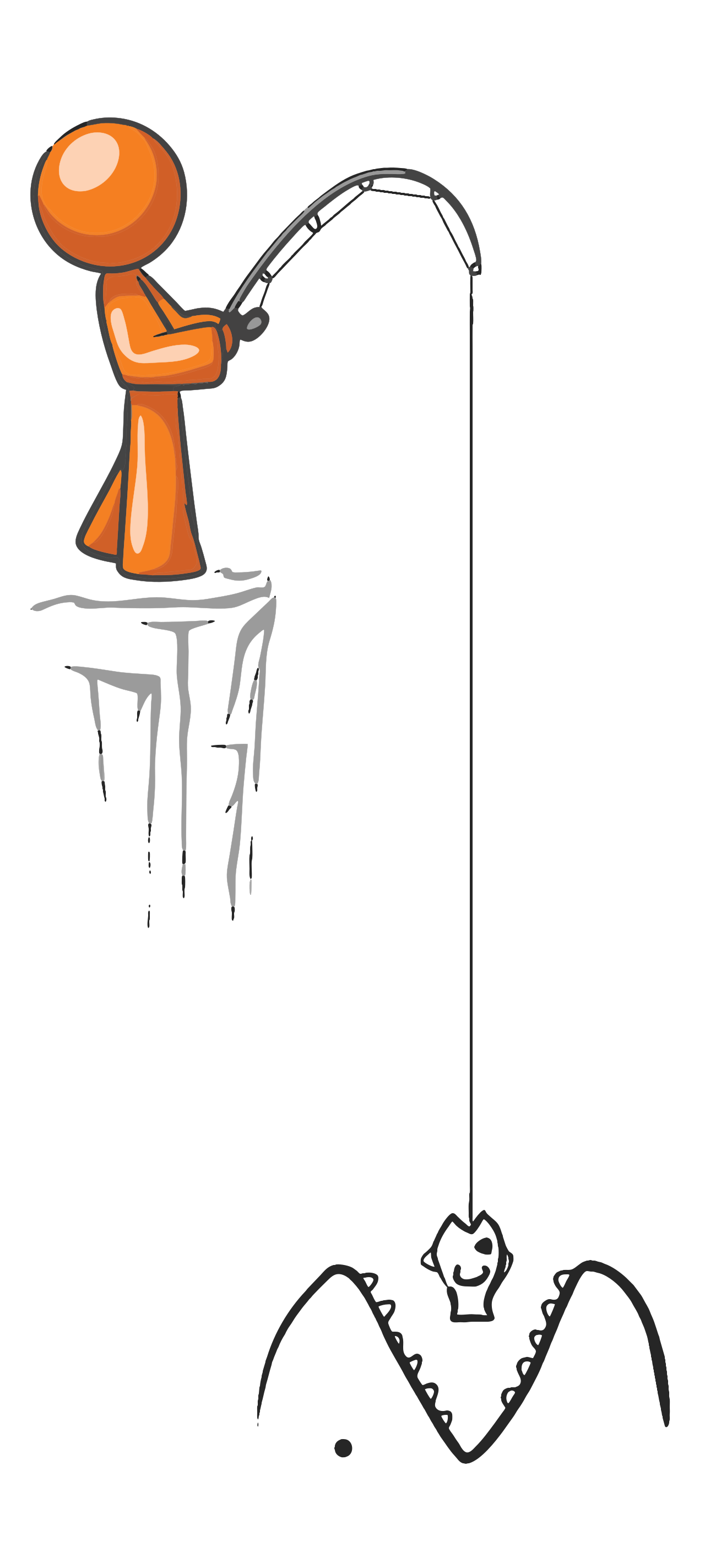
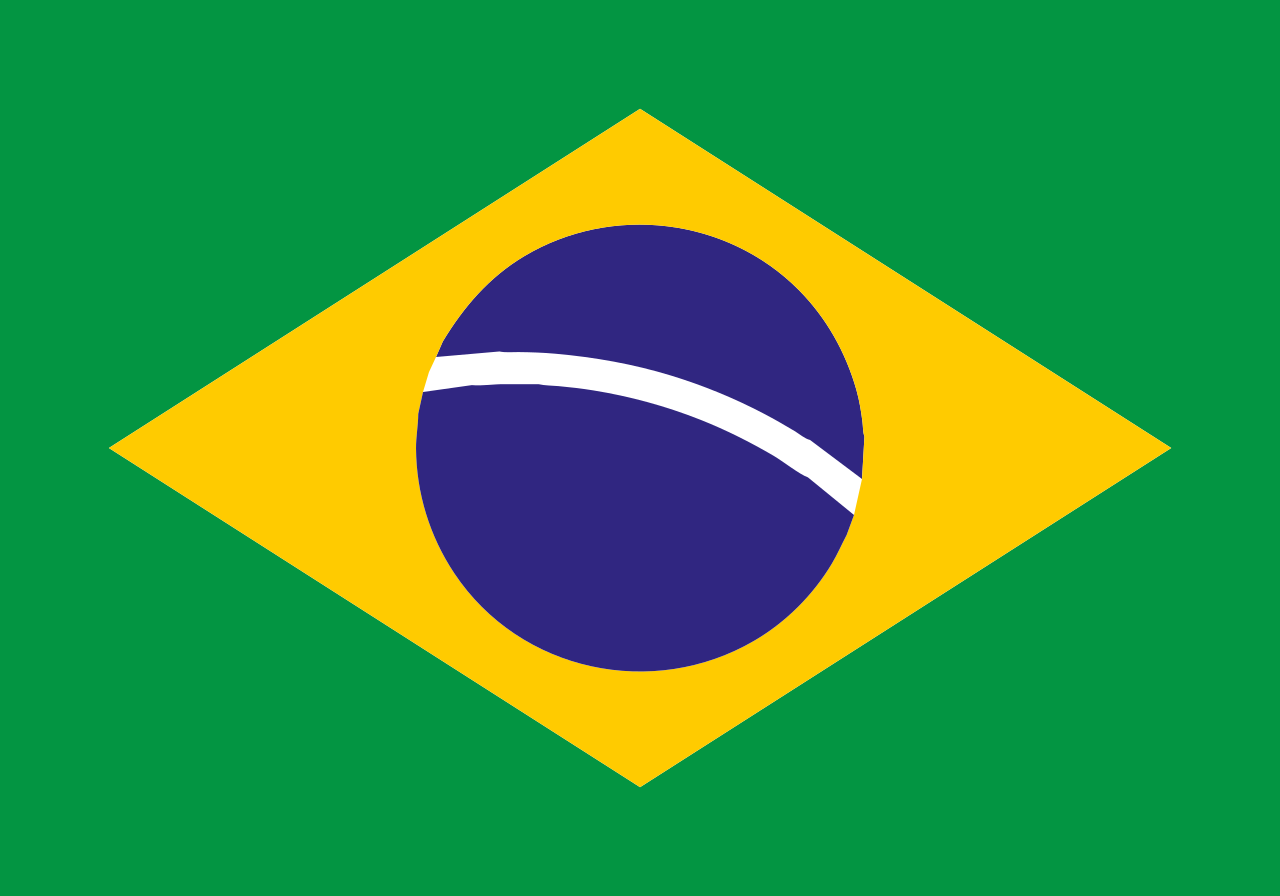
License-free pictures from Wikimedia Commons, converted with default settings. Similarity is measured by rendering the SVG and comparing every pixel with the original.


Questions
Is it really free?
Yes. The app and the engine are free and open source under the GNU AGPL-3.0 (the optional AI models are Real-ESRGAN, BSD-3-Clause). There is no paid tier. Changed versions must stay open source and credit the original.
Are my pictures uploaded anywhere?
No. The app runs a small service inside itself that only accepts connections from your own computer. Pictures and results stay in memory and are gone when you close the app.
Which pictures work best?
Illustrations: cartoons, flat art, icons, logos, line drawings. Photos and paintings work with the poster style, which turns them into fewer, larger shapes.
Why does Windows or macOS warn me when I open it?
The app is not code-signed (signing certificates cost money every year). The download page shows the two clicks to open it anyway, and every download has a SHA-256 checksum you can verify.
Can I use it without the app?
Yes: the same engine is a Python package with a command line (png2svg), including batch conversion, profiles and a watch folder.
Ready when you are
Windows 10/11 and macOS 12 or newer. About 60–90 MB.