Features
Everything you expect from a commercial vectorizer — without the subscription, the upload or the watermark.
Quality
- Real gradients
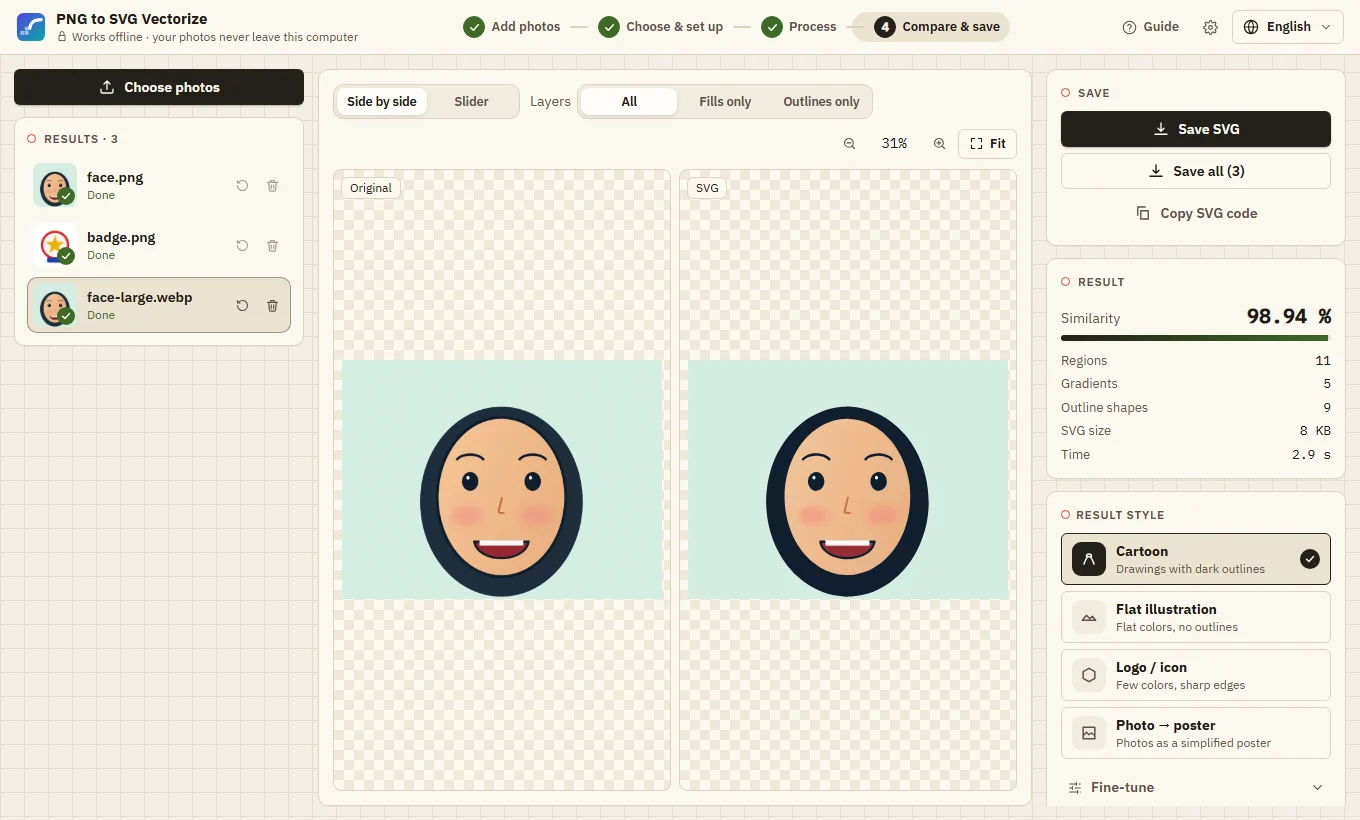
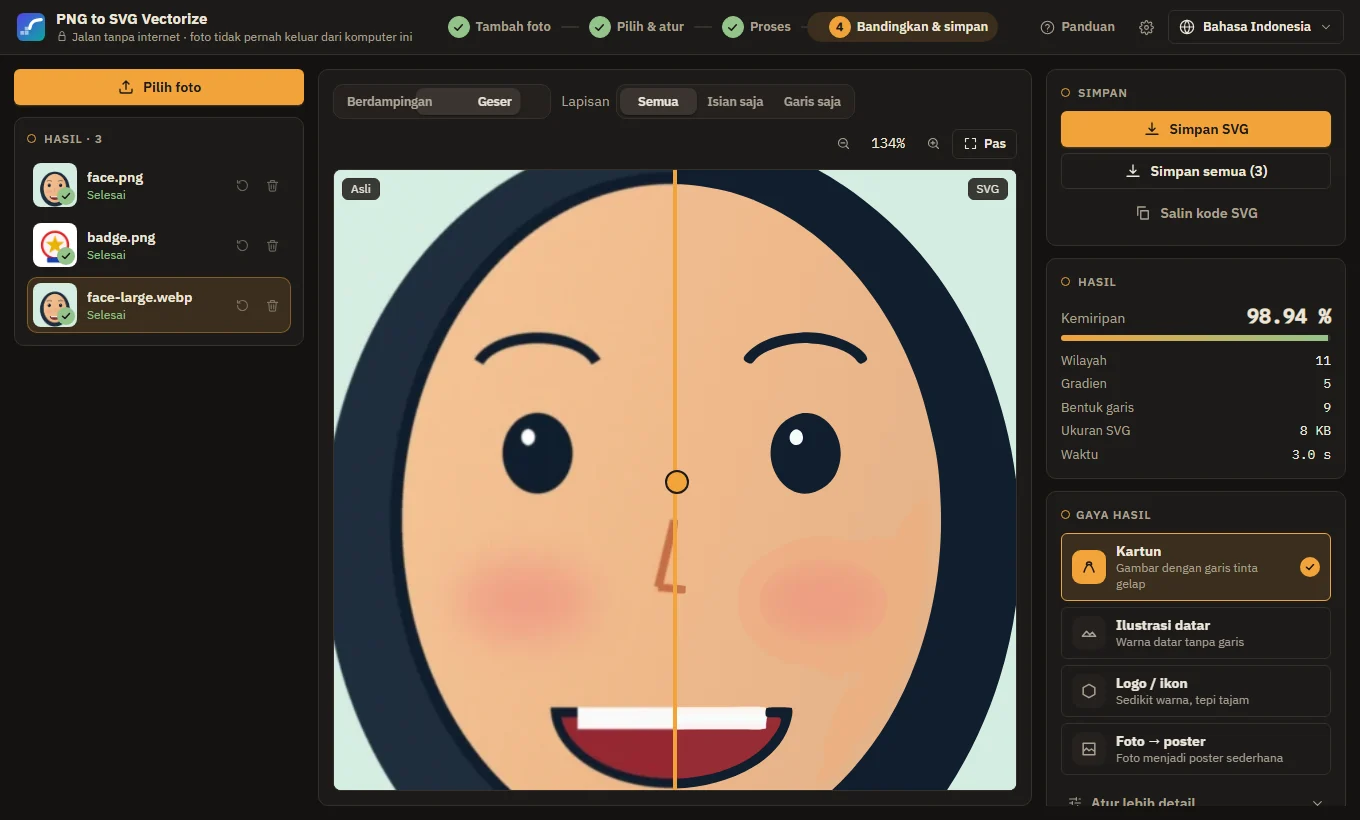
- Soft shading becomes one shape with a fitted linear gradient; round shading (balls, blush, glows) an elliptical radial gradient.
- Crisp ink outlines
- Dark lines are separated by color unmixing into their own smooth layer, so they stay sharp at any size.
- Measured similarity
- Every result shows how close the SVG is to the original, measured pixel by pixel.
- Enhance with AI (optional)
- A local Real-ESRGAN model cleans and enlarges small, blurry or JPEG pictures first. Downloaded once, then offline; uses your graphics card when it can.
Control
- Styles
- Cartoon, flat illustration, photo → poster, logo/icon (one clean path per shape, straight edges, sharp corners) and pixel art, plus fine-tune controls.
- Palette
- Limit the result to 2–32 flat colors, or lock a palette and change, add or remove colors. Grayscale and black & white with a threshold.
- Background and shapes
- Transparent background, stacked or cut-out shapes (nothing overlaps), gap filler and speck removal.
- Center lines
- Line drawings become one stroke along the middle of each line — for plotters, laser engraving and embroidery.
- Edit shapes
- Click a shape to recolor it, give it another shape's color, or delete it, with undo and redo.
Output
- SVG for every tool
- Pure paths and gradients — no embedded images, scripts or CSS. Safe to inline many on one page; optional layers per color for design tools.
- PDF, EPS, DXF, PNG
- Vector PDF with real gradients, EPS for print shops, DXF polylines for CAD and laser, and PNG drawn from the vector at up to 8×.
- Copy and paste
- Paste pictures with Ctrl+V; copy the SVG code or a PNG to the clipboard.
Batches and teams
- Workbench and queue
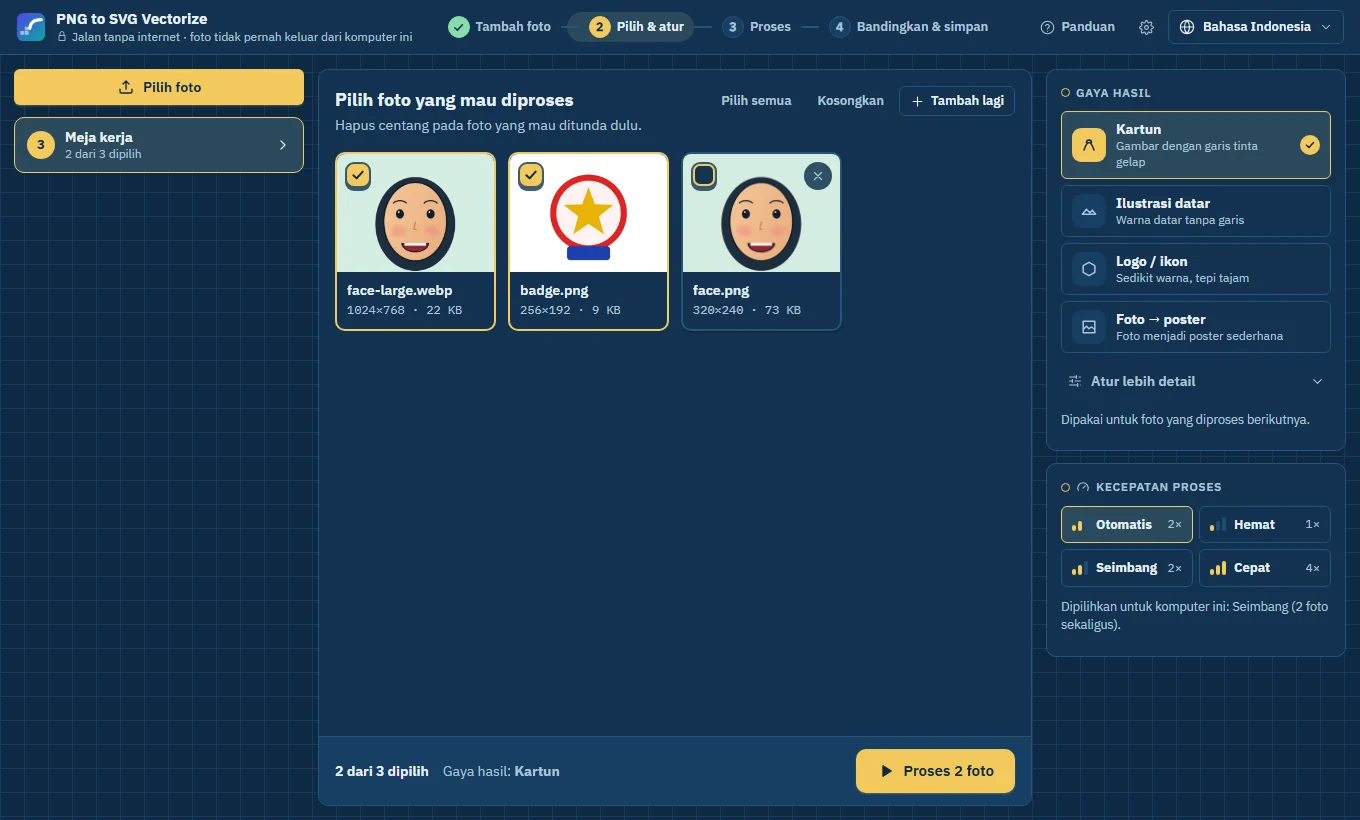
- Add many pictures, tick the ones to convert, and let a resource-friendly queue work through them.
- Style profiles
- Save a style under a name and share it as a file; the command line reads the same file.
- Watch folder
- Pictures copied into a folder are converted automatically into another folder — in the app or with png2svg watch.
- Reports
- CSV or JSON report with the similarity, size and time of every result.
Comfort
- Three themes
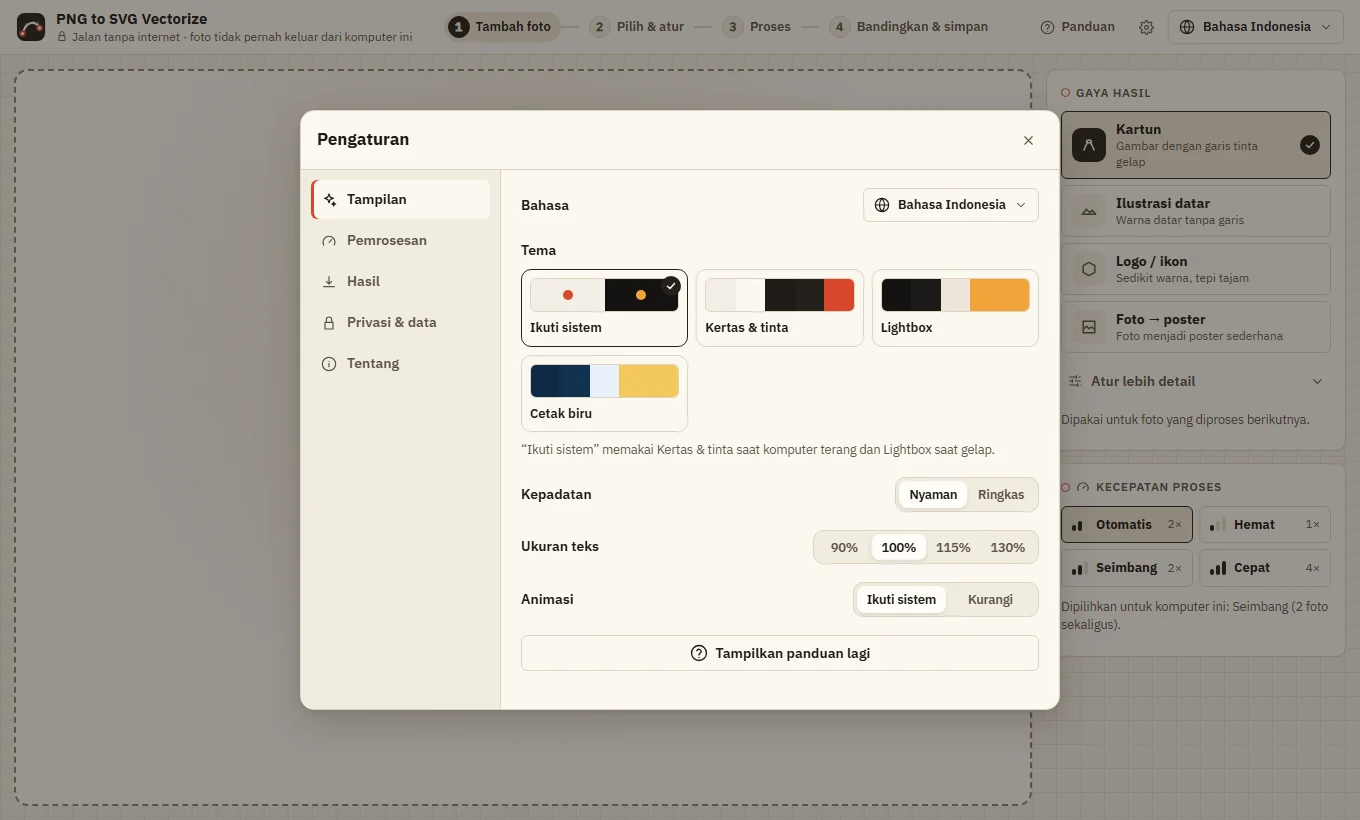
- Paper & ink, Lightbox and Blueprint — or follow your system.
- Two languages
- English and Bahasa Indonesia; a new language is one file.
- Keyboard first
- Shortcuts for every step; press ? in the app to see them.
- Accessible
- Screen-reader labels, visible focus, text size and reduced motion settings.
Screenshots